
An AI notebook · Early access in the US
Your notebook. Not our database.
Frontier AI in the note. The notebook itself stays on your devices.
Each of your devices keeps the whole vault, encrypted with your vault's key, and syncs directly with the others. No server of ours, no account, no telemetry: KUON never holds a copy.
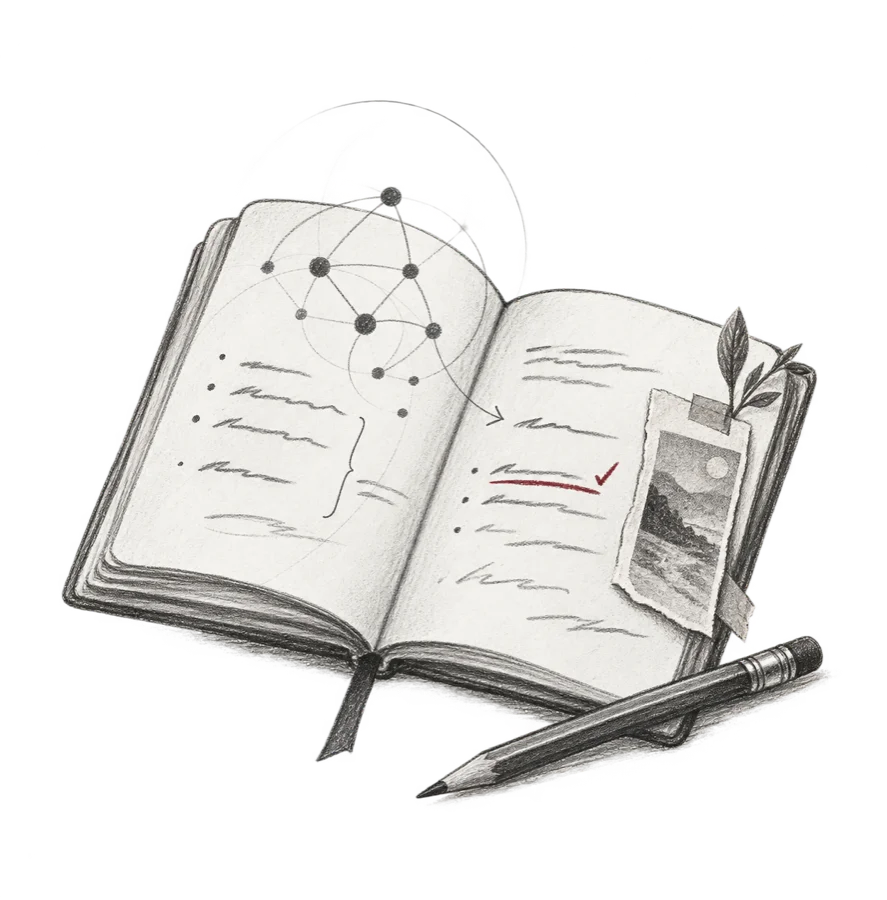
our database
there isn't one
your notebook
on your devices
The status bar names the AI route: your own Codex sign-in, on this device.
Every note is plain Markdown, and Save Markdown as… writes one to any folder you choose.

The ledger
What KUON holds about you
Nothing to read, sell, leak or hand over.
Your notes are not rows on someone's server. Every row here is blank, and it stays blank: there is no server to fill it, no account to file it under, and no telemetry to feed it.

KUON LLC,
the makers of HootBook
| Entry | Held by KUON | Where it is instead |
|---|---|---|
| Your notes and their pictures | Nothing | On the devices you own. A single computer works on its own. |
| An account | Nothing | There isn't one. No sign-up, no sign-in. |
| Your asks and answers | Nothing | Between your computer and the AI provider you chose. |
| How you use it, and when it crashes | Nothing | Nowhere. There is no telemetry, analytics or crash reporting, and the log stays on your device. |
| Anything that identifies you | Nothing | Nothing to hold. The daily update check asks GitHub, not us, with no identifier, and you can turn it off. HootBook never updates itself. |
| Your sync | Nothing | Encrypted with your vault's key, then sent device to device over your own Tailscale network. HootBook never talks to Tailscale's service. |
| Your vault's keys | Nothing | Made on your devices. When a device joins, your own device hands it the vault's key. |
| Your AI keys and sign-ins | Nothing | On the device where you entered them, and keys never sync. Claude Code and Codex keep their own sign-ins. |
| Total held by KUON | Nothing. | |
When you ask
The AI comes to the notebook. Not the other way around.
Start a line with // on a Mac or Windows PC and ask in plain words. The answer waits on a card under the line, and nothing enters the note until you choose Include.
When you ask, the open note goes to the provider you chose. That provider is the only other party, and its own terms decide what it keeps.
The renewal is due this month.
Dana wants new pricing before Thursday.
Legal still has the auto-renew clause.
//list the open questions in this note
stays with you this note goes
with the ask the answer waits
for include
Bring the AI you already use
There is no default and no house model. Connect the one you already use, or none at all: HootBook works without one.
- ClaudeThrough your Claude Code sign-inUses your Claude subscription.
- ChatGPTThrough your Codex sign-inUses your ChatGPT subscription.
- OpenAIWith your API keyBilled to your OpenAI API account.
- xAIWith your API keyBilled to your xAI account.
- MiniMaxWith your API keyBilled to your MiniMax account.
Provider names identify the services HootBook can connect to. No endorsement or partnership is implied.
The open note goes. The others never do.
A // ask is one request, sent to the provider you chose when you press Return.
In the ask
To your provider- What you typed after
//. - The open note, as Markdown, without its front matter.
- Any text you selected.
- Up to six earlier asks in this note, answers cut to 700 characters.
- Addresses you pinned for
//asks. - Your Skills that are switched on.
- HootBook's fixed instructions for the shape of the answer.
Never in the ask
Stays with you- Your other notesNot one of them.
- The note's front matterOnly the note itself.
- Picture dataA picture goes as its Markdown line.
- Past 50,000 bytesA longer request is refused before it's sent.
At the provider
HootBook asks the OpenAI and xAI APIs not to store the request. A provider may run web searches built from it. Claude Code and Codex keep a conversation for each note, as their own history.
The architecture
Private by architecture, not by promise.
A privacy policy is a promise a company can rewrite. HootBook's privacy is the shape of the software, and these five walls hold it up.
See how it works →No server
Your notes never pass through a server of ours, and there is no server where a policy could quietly change.
No account
No profile to tie your notes to. A device joins only when the device that started the vault approves it, with six digits.
No telemetry
No advertising identifiers, and an app window that cannot reach the network by itself.
Direct sync
Sync is encrypted twice: by Tailscale, and again inside HootBook's own session, which only devices you joined can open.
One note per ask
The provider you chose sees the note you asked about, never the rest of the notebook.
What owning it asks of you
The honest limits, so nothing surprises you later.
Guard each device.Anything running as you on a device can read your notes there. Use disk encryption (FileVault on a Mac, BitLocker on Windows), a screen lock and encrypted backups.
Removal is not erasure.Removing a device stops it receiving anything new. It cannot erase what that device already holds.
Asks run on your computer.The Android app has no // asks. A phone holds your notes, and syncs while the app is open.
Keys are plain files.On a Mac, an API key is kept as a file that programs running as you can read, not in the Keychain.
The card is the default.Turn on Frontier writes straight to the page, and prose and long answers land in the note without Include. It's off until you do.
Mac, Windows and Android · US
Early access
HootBook is available in the US by early access, for Mac, Windows and Android. Tell us a little about how you would use it, and we will be in touch.
It is a public preview: in daily use, with rough edges. The app itself has no account; a request is only how we reply to you.
- Mac
- Apple silicon, macOS 14.2 or newer
- Windows
- A Windows 11 PC (x64)
- Android
- 7.0 or newer. A phone joins a vault that starts on a computer, a Mac or a Windows PC.